
- Code:
- UMM210N15
- EAN (bar code):
- 8594213430300
- Number of pcs in box:
- 20
- Weight:
- 1.06 kg
- Volume:
- 2.31 l
- Producer:
- UMAX
Operating System: Windows 11 Pro
Processor: Intel N150 Twin Lake processor (max. 3.6GHz)
Graphics: Intel UHD Graphics
RAM: 8 GB LPDDR5
Storage: 256 GB M.2 SATA SSD (2242)
Video Output:
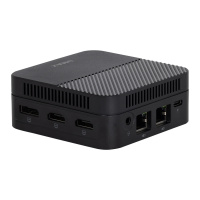
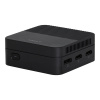
- 2x HDMI ver. 2.0
- Display Port ver. 1.4
Connectivity:
- Dual WiFi 5 802.11 AC
- Bluetooth 5.1
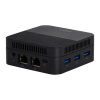
- 2 x GBit LAN
- Audio output
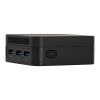
USB Ports: 3 x USB 3.0
VESA Support: Yes (mount included)
Dimensions: 89 x 89 x 35 mm
Weight: 250 g
Package Contents:
- Umax U-Box N15 Plus
- USB-C Power Adapter 12V/2A
- VESA mount
- HDMI cable
- Manual
⚠️ Important Notices and Information
Safety Warnings and Instructions:
- ⚠️ Operating temperature: 10° to 35°C, storage temperature: -25° to 45°C, humidity: 0% to 90% (non-condensing)
- ⚠️ Place on a stable work surface with sufficient air access under and around the computer
- ⚠️ Do not block ventilation openings – the device has active cooling
- ⚠️ Handle with care – contains sensitive electronic components
- ⚠️ Do not use if damaged by dropping, fire, puncture, excessive pressure or contact with liquids
- ⚠️ Keep away from liquids (beverages, oils, cosmetics, water in sinks, bathtubs, showers)
- ⚠️ Protect from moisture, condensation and atmospheric precipitation (rain, snow, fog)
- ⚠️ Use only the included power adapter (12V 2A) – other adapters may cause fire, injury or death
- ⚠️ Do not use the power adapter in a humid environment or with wet hands
- ⚠️ Radio components may interfere with medical devices (pacemakers, defibrillators) – maintain a safe distance
- ⚠️ Take breaks during repetitive activities (typing, gaming) – musculoskeletal pain may occur
- ⚠️ Some components may pose a choking hazard – keep out of reach of small children
- ⚠️ Not intended for use in critical situations where failure could cause death or serious harm
- ⚠️ Do not use in environments with explosion hazards (flammable substances, vapors, dust, metals)
- ⚠️ Disassembly and repairs may only be performed by authorized service
- ♻️ At the end of its lifespan, dispose of at an electronic waste collection point
Manufacturer:
Umax Czech a.s.
Kolbenova 962/27e
198 00 Praha 9
Czech Republic
Email: admin@umax.cz
Web: www.umax.cz
Responsible Economic Operator in the EU:
ConQuest entertainment a.s.
Kolbenova 961/27d
198 00 Praha 9
Czech Republic
E-mail: info@cqe.cz
Tel: +420 284 000 111
Web: www.cqe.cz
Product Identification:
Model: UMAX U-Box N15 Plus
Manufacturer Code: UMM210N15
Market Release Date: 10.12.2025
Country of Origin: China
This product complies with the essential requirements and other relevant provisions of Directives 2014/30/EU (EMC), 2014/35/EU (LVD), 2014/53/EU (RED), 2011/65/EU (RoHS), 2012/19/EU (WEEE), 2023/988/EU (GPSD).
Powerful, Compact and Energy-Efficient Mini PC
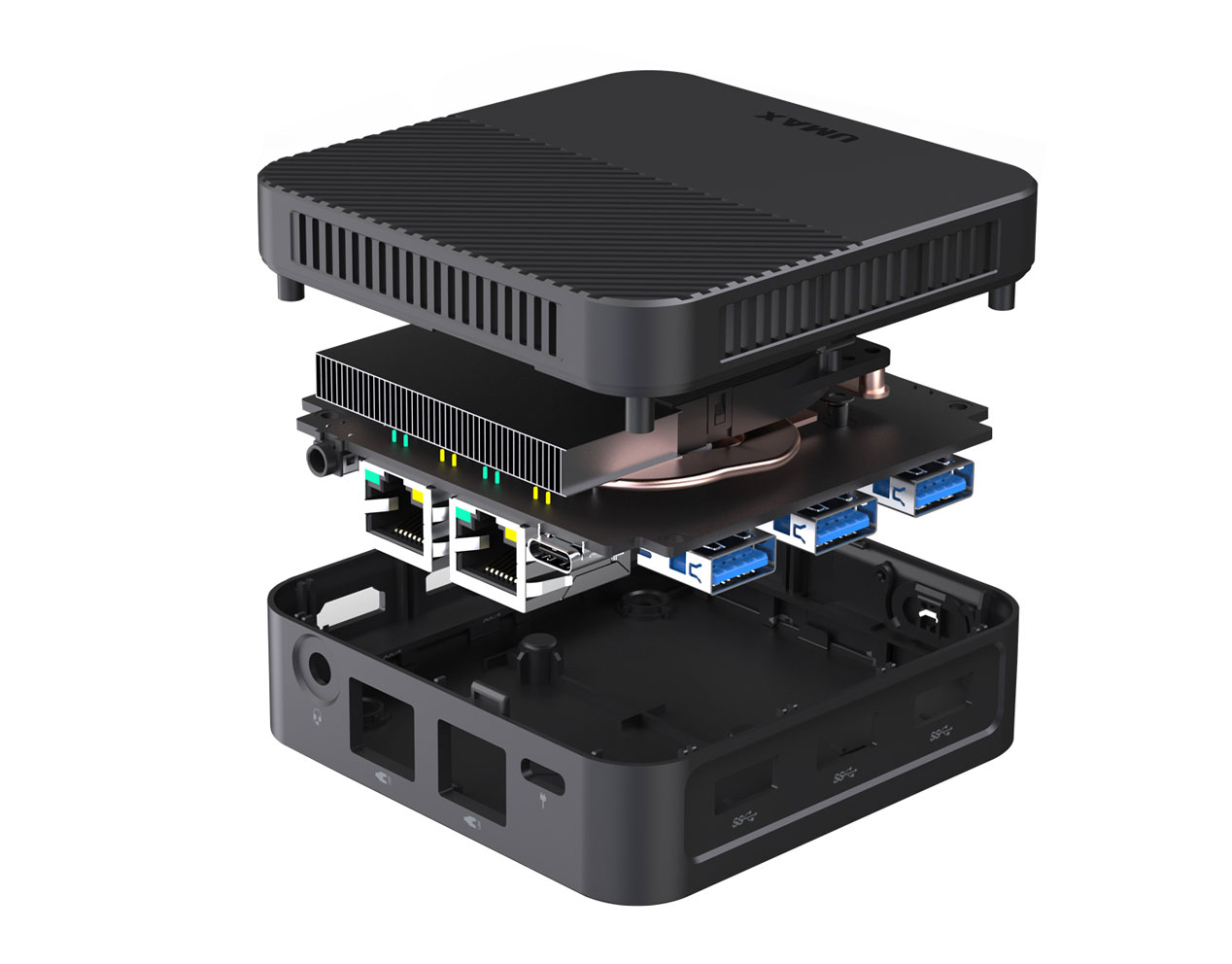
We have designed a new compact Mini PC Umax U-Box N15 Plus equipped with the new powerful Intel N150 Twin Lake processor. Thanks to the installed 8GB LPDDR5 memory and large replaceable 256GB SSD storage in the M.2 slot, it finds its use not only as a home and office computer, but also as a powerful multimedia center. It is equipped with two HDMI outputs and a DP output, and features 3 x USB 3.0 ports for connecting external devices. For work in a computer network, it offers two GBit LAN ports and dual AC WiFi. The U-Box N15 Plus comes standard with fast and easily replaceable SSD storage, which has a significant impact on the smooth operation of the system. You'll appreciate the included VESA mount, which allows you to hang the computer anywhere.
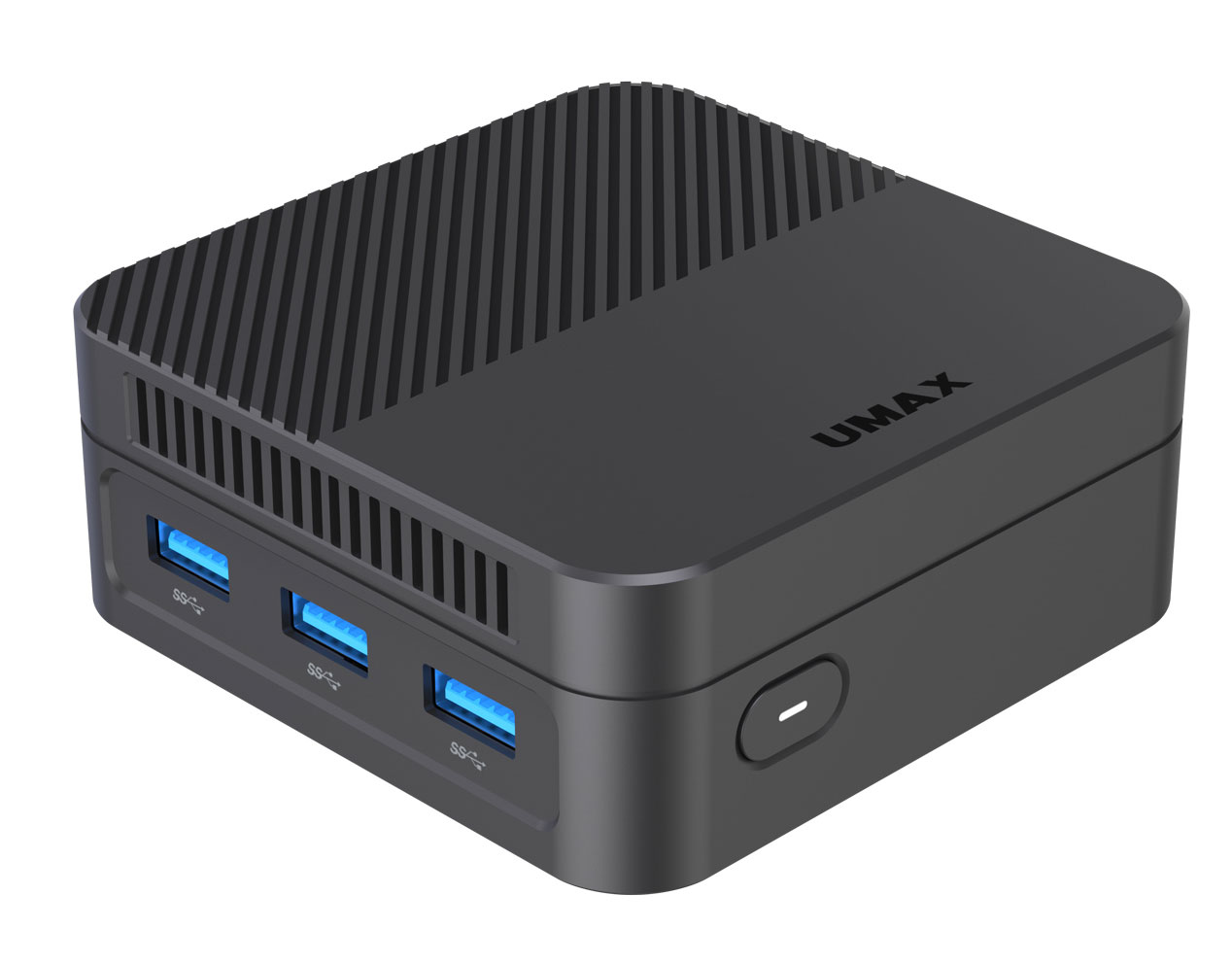
Excellent Connectivity in Minimal Design
The Umax U-Box N15 Plus features a patented silent cooling design, allowing you to use the Mini PC 24/7. Energy-efficient components guarantee very low power consumption of max. 20W compared to regular computers and laptops with consumption up to 200W. The ingenious and compact design of the computer doesn't compromise on excellent connectivity, so you'll find a surprisingly large number of ports for network connection and for connecting external devices.
Latest Quad-Core Intel N150 Twin Lake Processor
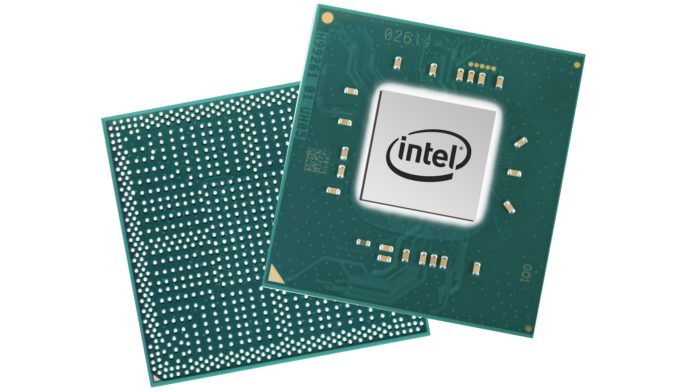
The Intel N150 processor is a quad-core mobile processor from the Twin Lake series, designed for notebooks, tablets and mini PCs. The Twin Lake architecture is essentially identical to Alder Lake-N and was introduced in the second half of 2024.
Core Count and Frequency: The N150 features four efficient (Gracemont) cores without Hyper-Threading support, with a maximum frequency of up to 3.6 GHz.
Graphics Processor: The integrated Intel UHD Graphics chip offers 24 execution units with a frequency of up to 1 GHz. It supports decoding of modern video codecs such as AV1, and video playback up to 4K resolution at 60 frames per second with HDR.
Windows 11 Pro in Czech
Windows 11 Pro is the latest operating system from Microsoft. It brings a redesigned environment, some new features, higher stability and a higher level of security.
New MacOS-Style Start Button
Microsoft has introduced a redesigned start menu and taskbar menus. Windows 11 has controls centered on the bottom bar by default and more closely resembles the competing MacOS. This can be switched to the standard look we're used to from Windows 10, where the Start button and other control buttons are aligned to the left.
Window and Screen Management
The system for managing windows and desktops has been redesigned. Preset templates make organizing work windows easier, allowing you to quickly arrange windows as desired. Virtual desktops allow you to set different backgrounds, making it easier to orient yourself on which desktop you're currently on.
Widgets
Widgets are now accessible from the main bar. These are still relatively unfinished. They only allow you to add a few widgets offered by Microsoft. Additionally, they live their own life and are not integrated with other applications.
MS Teams Integration
The new redesigned version of Teams is now available directly from the taskbar.



Add reaction